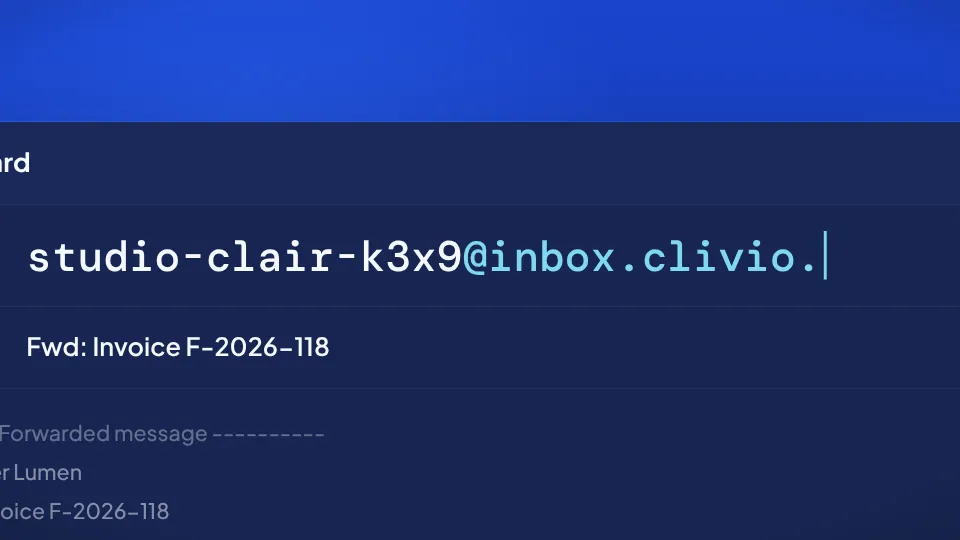
Forward an invoice from your inbox to your Clivio address. It lands in To sort already read, and all you do is accept it.
22-second film, no voice-over. Fictional example.
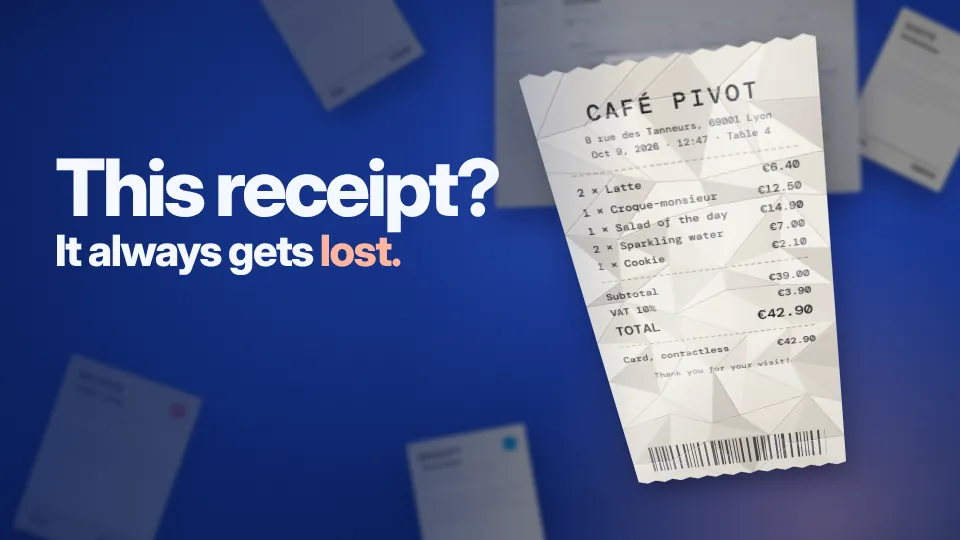
Scan with your phone A QR code opens the scanner on your phone. The receipt becomes a clean PDF that lands in your Library, already read. 0:20
The shortest route for every piece of paper
The invoice comes by email, the receipt is crumpled in your pocket, the contract lives in Google Drive, and a client still owes you a document. Each of them has its own way in.
Forward the email and it’s filed
Your account comes with its own address, something like firstname-xxxx@inbox.clivio.app. Forward an invoice or a contract to it and the attachments are read, then wait for you in “To sort”. An email with no attachment becomes a suggested task.
- Attachments analyzed like any other document
- A sender filter, with an allow list and a block list
- A custom address with the Pro plan
Tocamille-k3x9@inbox.clivio.app
SubjectFwd: Your October invoice, Lumen Hébergement
Tocamille-k3x9@inbox.clivio.app
SubjectCall Assurances Lemoine back before October 30
To stop forwarding by hand, create a rule in Gmail or Outlook that sends a supplier’s emails, or any email with “invoice” in the subject line, to your Clivio address. From then on, they come in without you doing anything.
A photo of a paper becomes a clean PDF
Open the import on your phone and take a picture of the document. The edges are detected and you can adjust the crop if needed. Then keep going page after page, up to 20, and they’re combined into a single PDF.
- Four filters (original, enhanced, gray, black and white)
- Up to 20 pages in the same PDF
- On a computer, a QR code opens the import on your phone
Scan this code with your phone and the import opens right away, ready for the photo.
Clients and colleagues send you files from a link
Share your link, dashboard.clivio.app/drop/your-name. A client, a colleague or your landlord enters their email, picks the file and sends it. There’s nothing to install and no account to create.
- One file at a time, as PDF, PNG, JPG, DOCX, XLSX, CSV or TXT
- The sender’s email is required
- With Pro, your logo, your colors and a custom address
Need to request a specific list of documents and have them checked? That’s what the client portal (Pro) is for.
Send us a document
PDF, PNG, JPG, DOCX, XLSX, CSV, TXT
SendPick the files and Clivio imports them
Connect Google Drive or Dropbox, then tick the files you want. Google Docs, Sheets and Slides are converted along the way.
This is an import, not a sync. If you change the file in Drive or Dropbox afterward, import it again to get the latest version into Clivio.
Accepted formats
Drag your files into Clivio or use the import button. What you add yourself goes straight into your library, without stopping in “To sort”.
Each file can be up to 25 MB. ZIP archives and .eml files aren’t accepted, so if you want to bring in an email, forward it to your drop address instead.
| Type | Extensions |
|---|---|
| Word | DOCXDOCODTRTF |
| Excel | XLSXXLSODSCSV |
| PowerPoint | PPTXPPTODP |
| Images | JPGPNGWEBPHEIC |
| Text | TXTMDHTMLXMLJSON |
Anything from outside waits for your OK.
A document someone else sends you doesn’t get mixed in with your papers automatically. It stays in “To sort” until you accept or reject it.
Comes from outside
You can see where the document came from and who sent it.
Filed with the rest, and easy to find.
Added by you
You picked it yourself, so there’s nothing to approve.
Direct connections are on the way. Until then, a forwarding rule does the job.
Connect your Gmail inbox directly.
Coming soonConnect your Outlook mailbox directly.
Coming soonImport from your Microsoft files.
Coming soonBring in documents you receive in a chat.
Coming soonAbout importing
Do people need an account to use my drop page?
No. The sender enters their email, picks a file (PDF, PNG, JPG, DOCX, XLSX, CSV or TXT) and sends it. The document then waits for you in “To sort”.
What happens to an email with no attachment?
It becomes a suggested task, which is a handy way to note a reminder straight from your inbox.
Can I block certain senders?
Yes, on every plan. You keep one list of allowed senders and one list of blocked senders.
Do my Google Drive files stay in sync?
No. You choose which files to import, from Google Drive or from Dropbox. A change you make later in Drive isn’t carried over to Clivio.
Do I need to install an app to scan?
No, the scanner works in your phone’s browser. From a computer, scan the QR code on screen to open it.
How many documents can I import?
Up to 50 in total on the Free plan and 1,000 on Pro, with each file up to 25 MB.
Read next
Forward your next invoice to your Clivio address.
It’s free for up to 50 documents, with no credit card, and your drop address is created along with your account.